Your Brokerage on Every Closing Gift
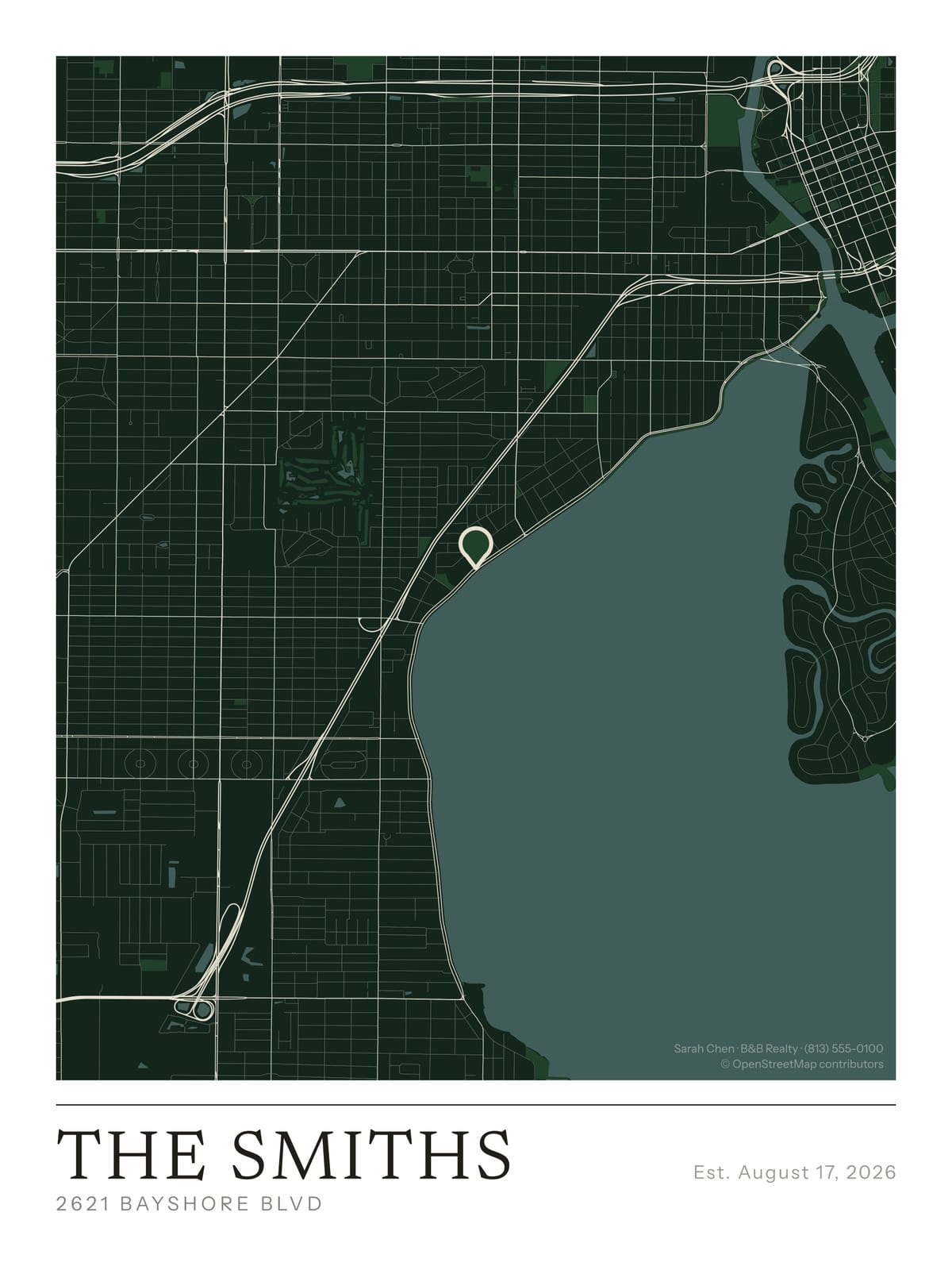
A framed map of the home your client just bought — with your name in the corner. The gift they actually keep, working as a quiet referral engine on their wall for years.
Make a branded map →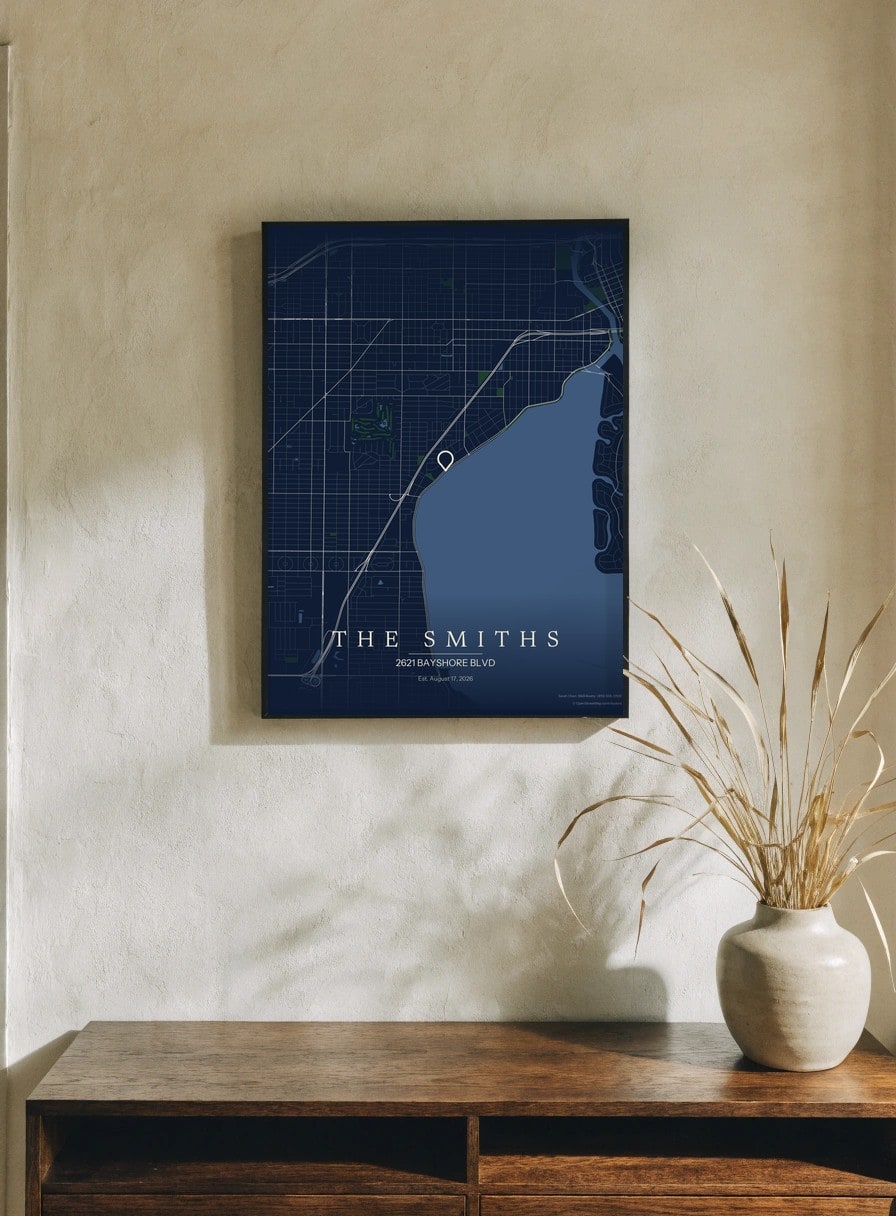
Closing gifts are a real part of the job, and most of them get forgotten — a bottle of wine, a gift card, a fruit basket that's gone by Friday. A framed map of the home your client just bought is different: it goes on their wall and it stays there, with your name on it every time someone asks where they got it. You close somewhere between a handful and a few dozen deals a year, and every one is a client who just made the biggest purchase of their life and would happily hang a beautiful reminder of it.
Your name on the map, not ours
On a Commercial membership, the small credit line in the corner of the map becomes yours. Instead of “MapMarked,” it reads whatever you type — “Jane Doe Realty,” “The Miller Group,” your name and number. To be clear about what this is: it’s a text line, not a logo upload. You type the words; we set them in the same clean type as the rest of the map.
The only thing that stays is the small “© OpenStreetMap contributors” credit, which the map’s data license requires — it sits off to the side and doesn’t compete with your name. So the file you hand a client is, for every practical purpose, yours: your brand, on their wall, in their home, indefinitely.
The home they just bought
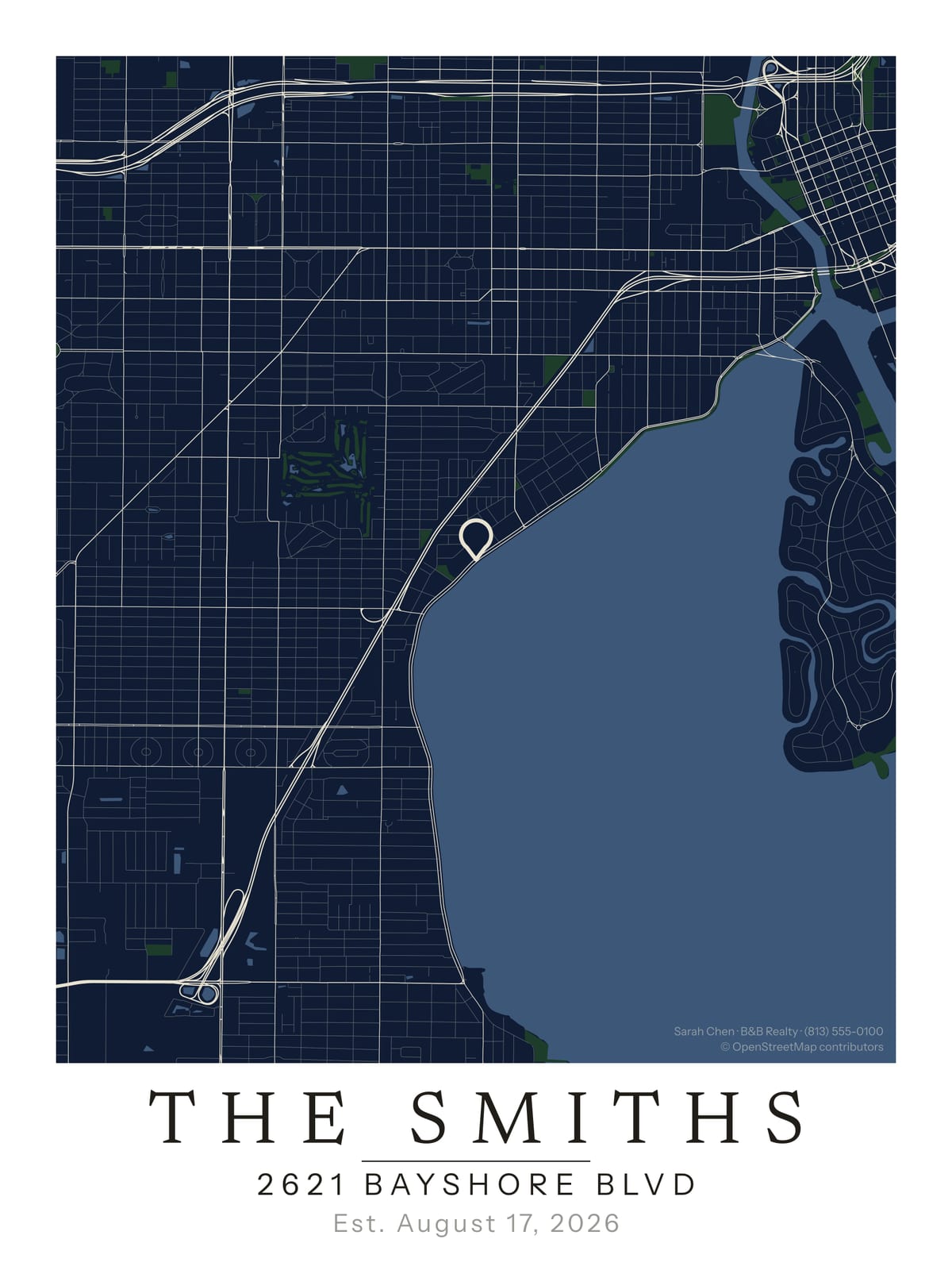
Center the map on the property and drop a pin on the exact address. The streets they chose, the park down the block, the route to the good coffee — all of it fills in around the pin. It’s not a generic city print; it’s their street, the day it became theirs. Put the address, the closing date, or “The Millers — Est. 2026” on the caption line.
One address in, a print-ready file out
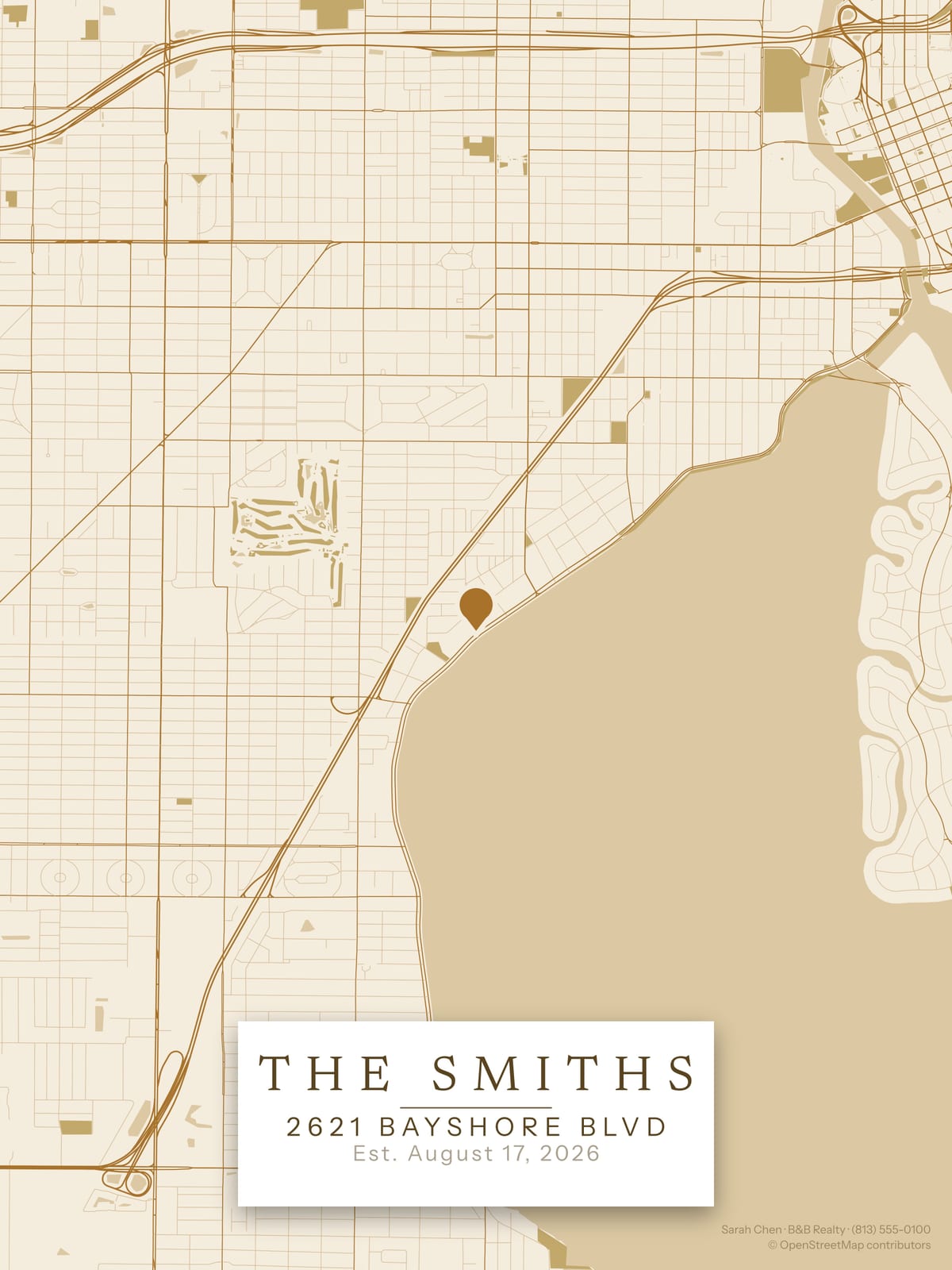
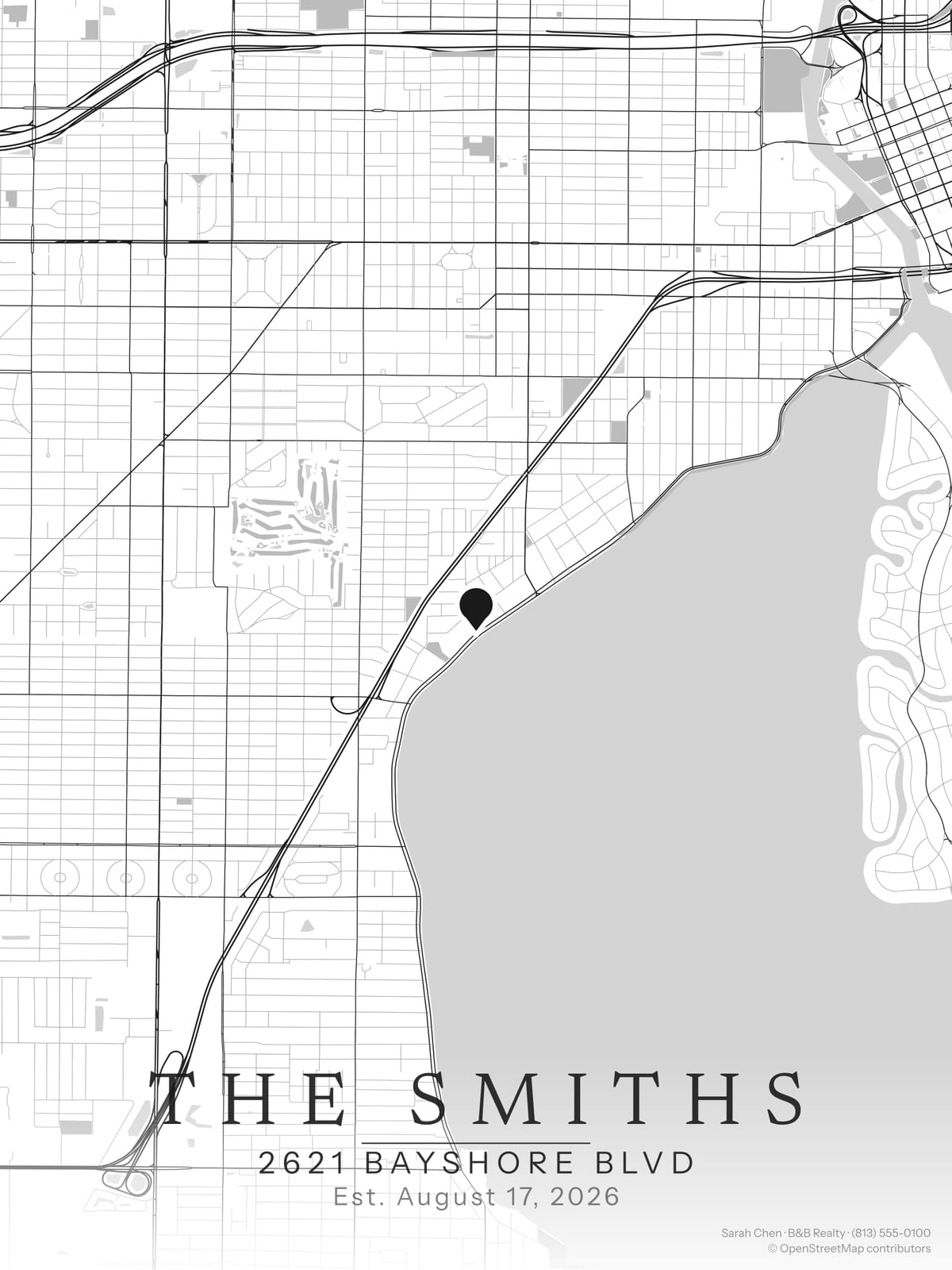
The workflow is built for someone doing this between showings, not sitting in Photoshop. Type the address, pick a palette that suits your brand or their décor, and a print-ready 300 DPI file comes back in about 30 to 90 seconds. No design skills, no waiting on a vendor. Make one after a closing, or seed a batch on a quiet afternoon.
What agents do with the file
You get the digital file; how it reaches the client is up to you. The simplest path is a local print shop or an online printer — the 300 DPI file holds up cleanly at common sizes like 11×14, 16×20, and 18×24. Many agents have it printed and framed and hand it over at the closing table or drop it by after move-in; others email the file so the client can print it themselves. A simple wood or matte-black frame makes it look like it cost far more than it did.
A business expense, not a splurge
A Commercial membership is $20/mo (or $200/yr) — a normal marketing line item, and a business expense. Across twenty closings a year that’s roughly the cost of one nice bottle of wine per client for the file itself, and unlike the wine it stays on the wall with your name on it. A single $6 personal map covers a one-off; the membership is for making this your standard closing gift — every client, all year, branded as yours.
Running a whole office?
Realtor Enterprise is $99/mo for the brokerage: invite every agent, each with their own name, brokerage, and phone on the corner of the map, and a shared Closings table that turns every upcoming closing into a branded map. No per-seat fee, no daily limit.
Closing gifts by market
Popular markets to start with — you can map any address on earth.